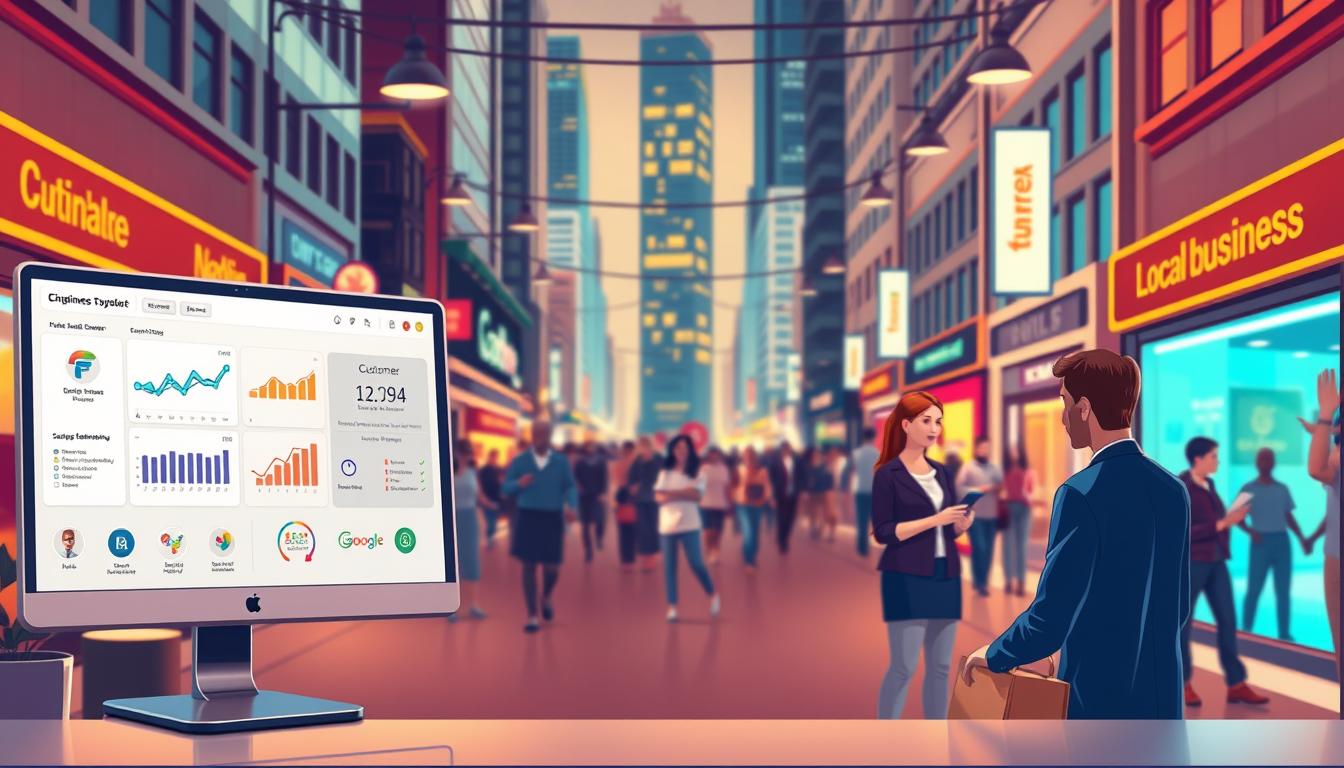
Running a successful local business needs smart customer relationship management. Small business CRM tools are key for entrepreneurs to streamline operations and grow. A good local business CRM changes how you connect with customers, track sales, and make decisions.
Today’s CRM software gives local businesses insights once only big companies had. It organizes customer data, tracks interactions, and automates processes. This helps small businesses compete better in today’s fast-changing market.
At Crowley Media Group, we get the unique challenges local businesses face. Our expert team suggests finding CRM solutions that fit your needs. Contact us today to see how the right CRM can change your business.
Key Takeaways
- CRM tools help local businesses manage customer relationships efficiently
- Automation reduces manual administrative work
- Improved data tracking leads to better business decisions
- Small businesses can compete more effectively with advanced CRM technologies
- Personalized customer interactions become easier with comprehensive CRM systems
Understanding Core CRM Functionality
Local businesses need strong neighborhood business software to improve their customer interactions. Modern local CRM solutions have tools that change how small companies handle relationships and grow their customer base.
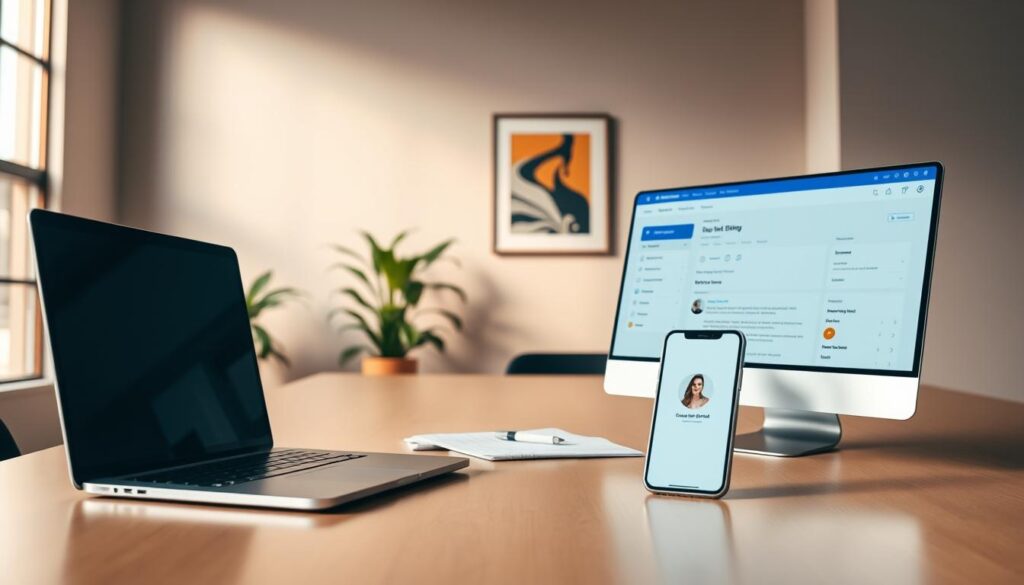
Small businesses have unique challenges in tracking customer info and managing sales pipelines. The right CRM platform can make these complex tasks easier. It gives a single place for storing and analyzing customer data.
Contact Management and Organization
Good contact management is key for local CRM solutions. These systems help businesses:
- Keep all customer contact info in one place
- Track customer interactions
- Sort customers by their preferences
- Make personalized communication plans
Lead Tracking and Pipeline Management
Neighborhood business software lets entrepreneurs:
- Get details on potential customers
- Watch sales opportunities
- See how much money they might make
- Focus on the most important leads
Customer Data Analysis
Advanced CRM platforms give actionable insights from customer interactions. These insights help local businesses make better decisions. They improve marketing and customer experiences.
Essential Sales and Marketing Automation Tools

Small business owners face a big challenge. They must manage customer relationships while keeping up with daily tasks. A strong retail CRM system can change how local businesses connect with customers. Automation tools make sales and marketing easier.
Automation features in a small business customer tracking system boost productivity. These tools let entrepreneurs focus on building strong customer relationships.
- Automated email follow-up sequences
- Personalized marketing campaign triggers
- Customer segmentation workflows
- Sales pipeline tracking
Local businesses, like those with Crowley Media Group (crowleymediagroup.com), use these smart features. Smart CRM systems create custom rules that work quietly in the background. This ensures no customer interaction is missed.
The right retail CRM system helps small business teams work smarter. It automates routine tasks. This lets entrepreneurs spend more time on growth and personal customer experiences.
Local Business CRM Implementation Strategies
Using a local shop management software can change how small businesses handle customer relationships. The right community business database makes operations smoother and boosts customer interaction.
Getting into CRM systems might look hard, but the right steps can help any local business. Business owners should follow some key strategies for a smooth setup.
Setting Up Your First CRM System
Choosing the right CRM starts with knowing your business needs. Here are some important steps:
- Look at how you manage customers now
- Find out what’s hard about tracking customer interactions
- Pick a local shop management software that fits your budget
- Make sure it works with your current tools
Training Your Team Effectively
For CRM to work, your team needs good training. Make a detailed learning plan to show them the database’s power.
- Teach them how to use the system
- Show them how it works in real life
- Give them time to practice
- Keep offering help and resources
Measuring Implementation Success
See how your CRM is doing by watching important signs. Look for better customer keep rates, sales, and work flow.
Need help? Call our team at (916) 572-9755 for CRM setup advice.
Customer Service and Support Features
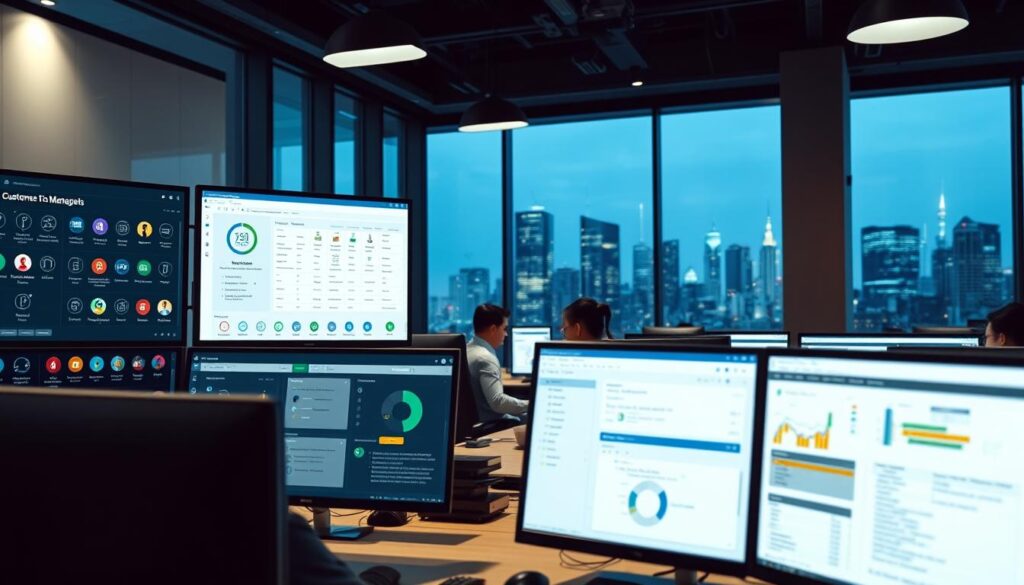
Customer relationship management is more than just keeping in touch. Today’s CRM systems offer strong customer service tools. These help local businesses give top-notch support.
Good local customer management needs strong support features. These features make communication smooth and solve problems fast. The right CRM changes how small businesses talk to their customers.
- Ticket management systems for tracking customer inquiries
- Automated feedback collection mechanisms
- Real-time support analytics dashboards
- Customer communication history tracking
Small businesses can use these CRM tools to keep personal connections with customers. Automated workflows let teams answer faster and more evenly. This way, no customer is left out.
Advanced support features help businesses:
- Prioritize urgent customer issues
- Track resolution times
- Identify recurring customer challenges
- Develop targeted improvement strategies
By using full customer service tools, local businesses can keep up with big companies. They can still offer their special personal touch.
Mobile Access and Cloud-Based Solutions

Modern neighborhood business software has changed how local businesses handle customer relationships. Cloud-based CRM systems offer great flexibility for entrepreneurs who work anywhere.
Businesses using local business CRM solutions can now work from anywhere. These platforms let them manage customer interactions easily from smartphones, tablets, and laptops.
Remote Team Management Made Simple
Cloud-based CRM platforms have powerful tools for remote teams:
- Real-time team communication
- Shared customer interaction histories
- Performance tracking dashboards
- Mobile workforce coordination
Instant Data Synchronization
Neighborhood business software now offers instant data updates on all devices. Sales reps can update customer info in real-time. This ensures everyone has the latest data.
Robust Security Considerations
Top local business CRM platforms focus on data safety with advanced security:
- End-to-end encryption
- Multi-factor authentication
- Regular automated backups
- Compliance with data protection regulations
For businesses looking for complete CRM solutions, Crowley Media Group (crowleymediagroup.com) can help. They offer expert advice on choosing the right cloud-based system for your needs.
Integration Capabilities with Existing Tools
Today’s local CRM solutions work well with your current business tools. They create a strong system that makes things easier. Retail CRM systems now have great integration features. These can change how small businesses handle their daily tasks.
Key integration features for local businesses include:
- Point-of-sale (POS) system synchronization
- Accounting software connections
- Email marketing platform linking
- Inventory management coordination
These integrations offer big benefits for local business owners. By linking your retail CRM system with other important tools, you can:
- Reduce manual data entry
- Minimize human error
- Get real-time insights across platforms
- Save valuable time and resources
Imagine having all your customer data, sales information, and marketing efforts in one place. Local CRM solutions make this possible. They help businesses see everything they need to know about their operations and customer interactions.
Ready to make your business tech better? Call our experts at (916) 572-9755. Learn how integrated CRM solutions can make your business more efficient.
Conclusion
Choosing the right small business customer tracking system can change how you handle customer relationships. Local shop management software offers tools to help neighborhood businesses run smoother. It also gives deeper insights into what customers need.
CRM technology lets local businesses compete by organizing customer data and tracking interactions. It helps create personalized experiences. Small businesses can use these platforms to build stronger connections and make decisions based on data.
Ready to elevate your local business? Crowley Media Group helps small businesses use advanced CRM solutions. Our experts will help you pick, set up, and use the best customer management platform for your needs.
Don’t let complexity slow you down. Contact Crowley Media Group for a free consultation. Find out how the right CRM can change your customer relationships and business success. Your success begins with smart, strategic customer management.